

Real estate investing made simple
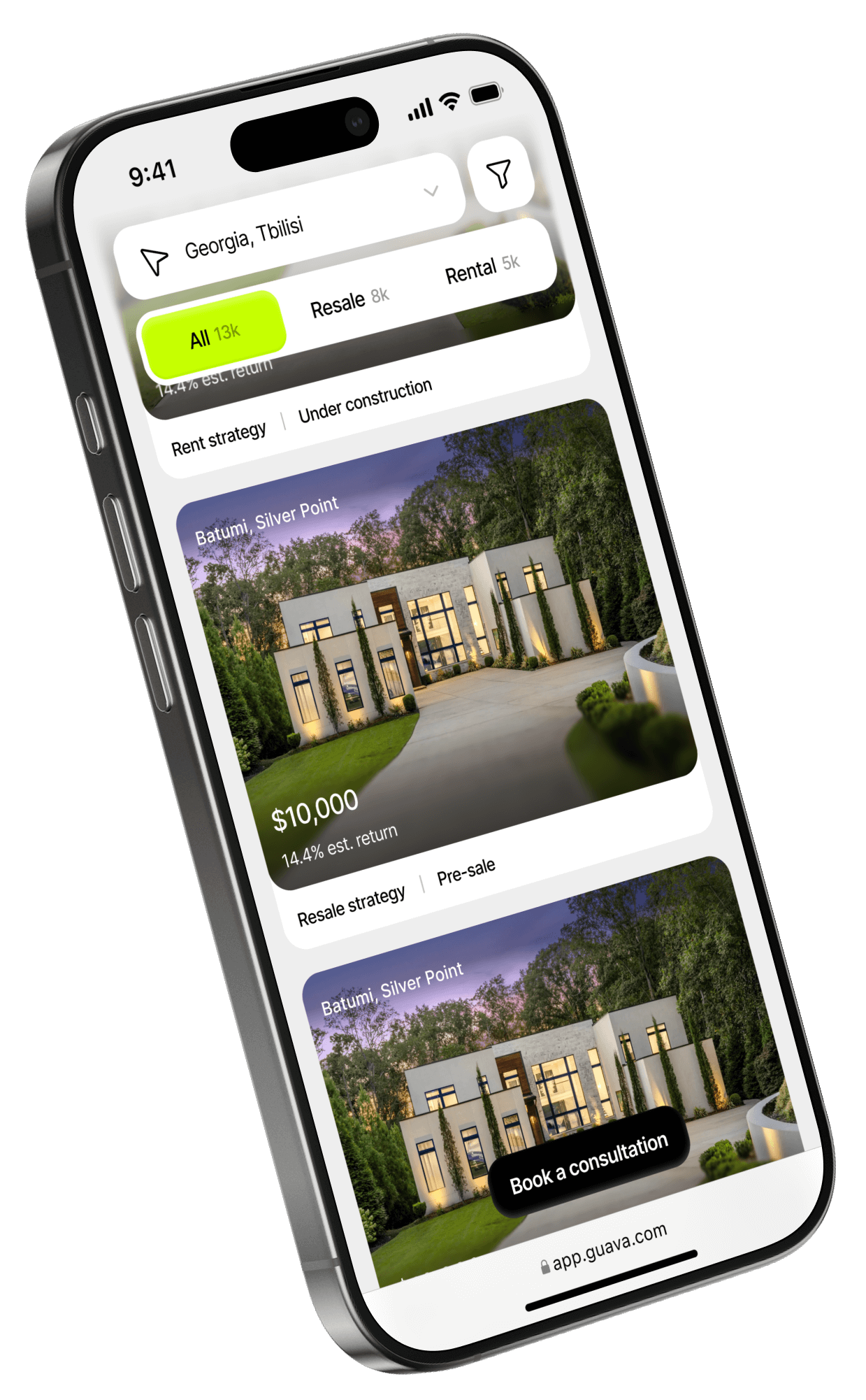
Property updates and performance reports are delivered automatically.
Online reporting
Verified opportunities only
We work with only 1–5% of the real estate market.

Save & compare
Bookmark properties you like and compare them in the app.

Two ways to invest
Buy a property outright or invest through fractional ownership (starting from $ 1000).

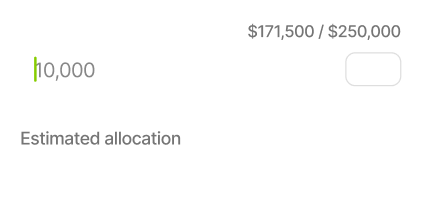
Key numbers upfront
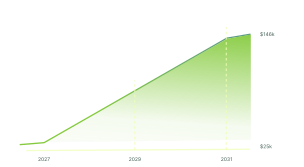
Minimum entry, payments, and projected returns — all shown in the property listing
How it works

Browse a catalog of verified properties
1
Get updates and reports right in the app

4
Invest in a share or buy the property outright

3
Compare estimated returns and timeframes

2
For iOS users
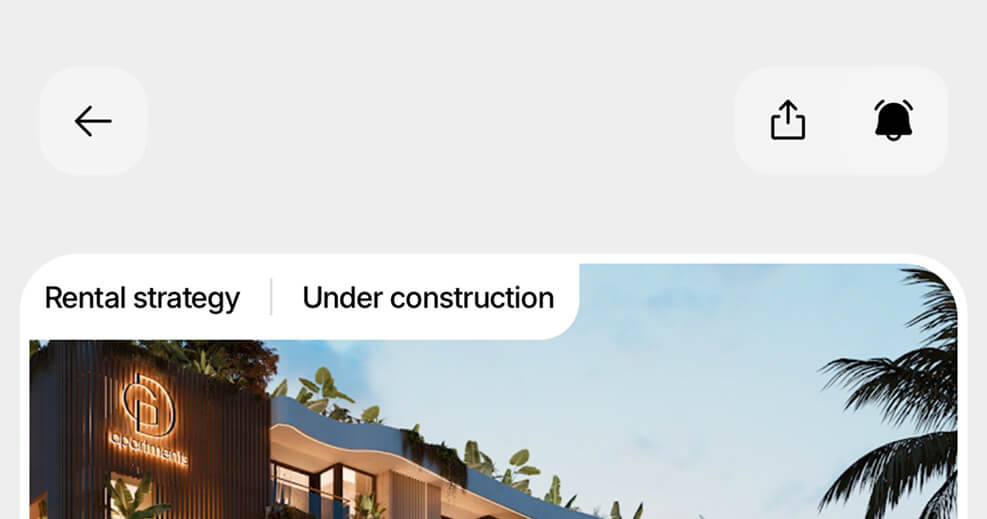
Step 6:
Done! Investing in real estate is now even easier.
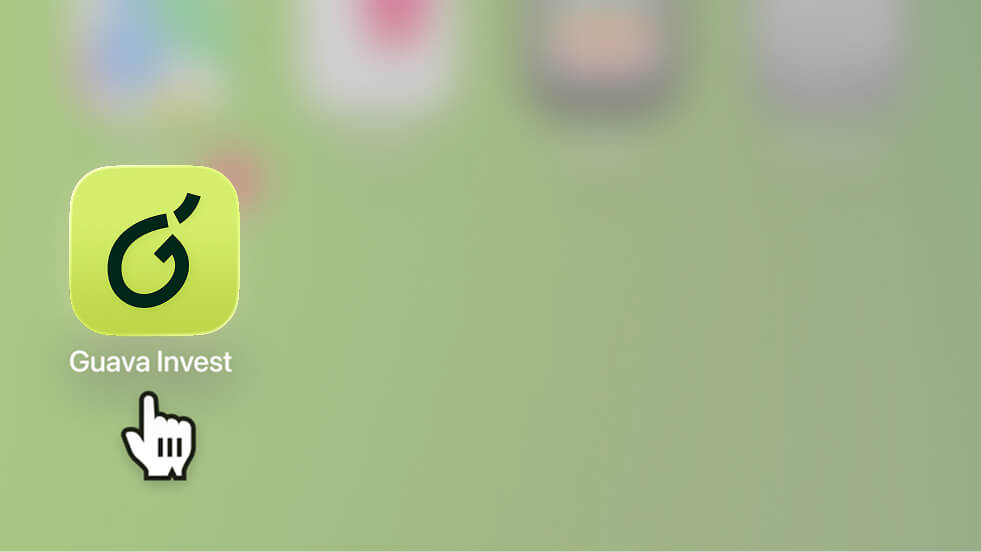
Step 3:
The app icon will appear on your Home Screen. Tap it to open Guava Home.
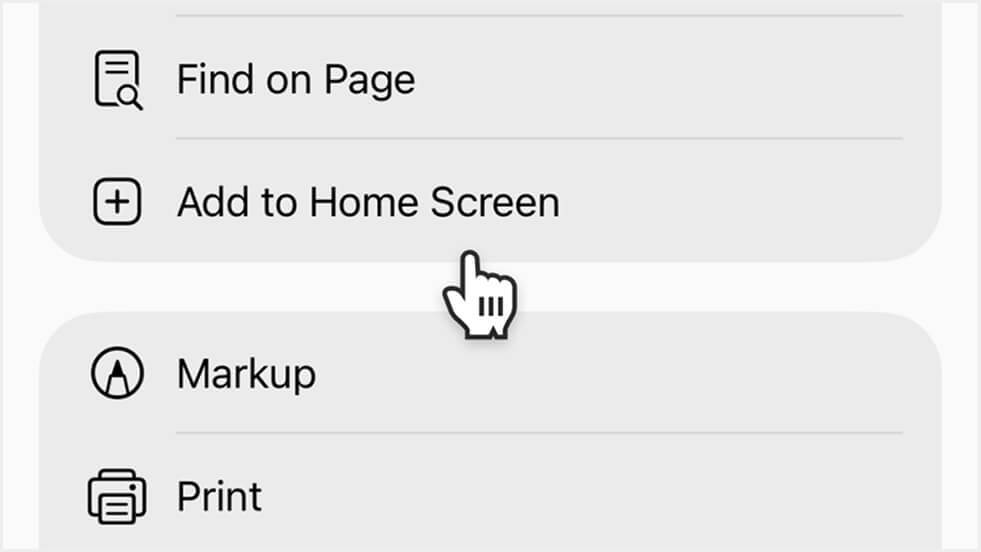
Select Add to Home Screen.
Step 2:
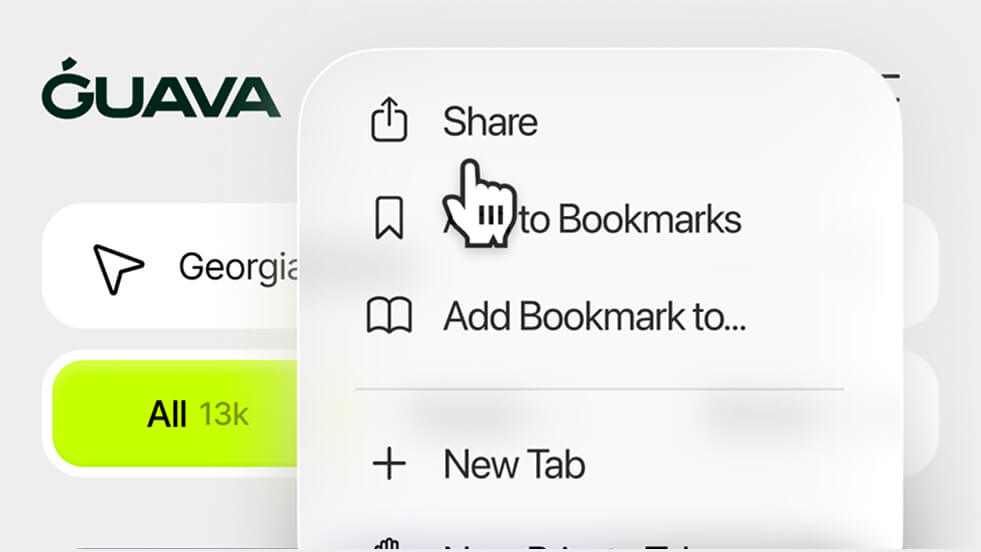
Step 1:
Tap the Share icon in the browser toolbar (at the bottom).
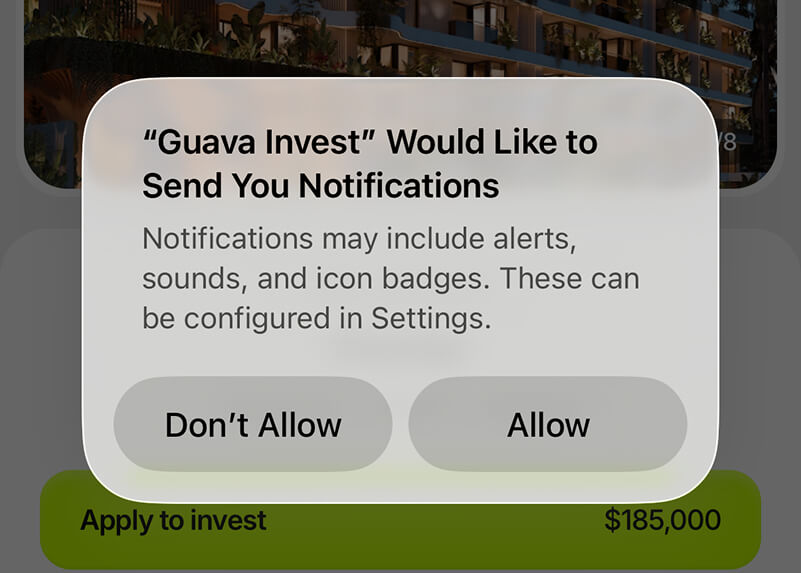
Step 5:
Allow free push notifications (available on iOS 16.4 and later).

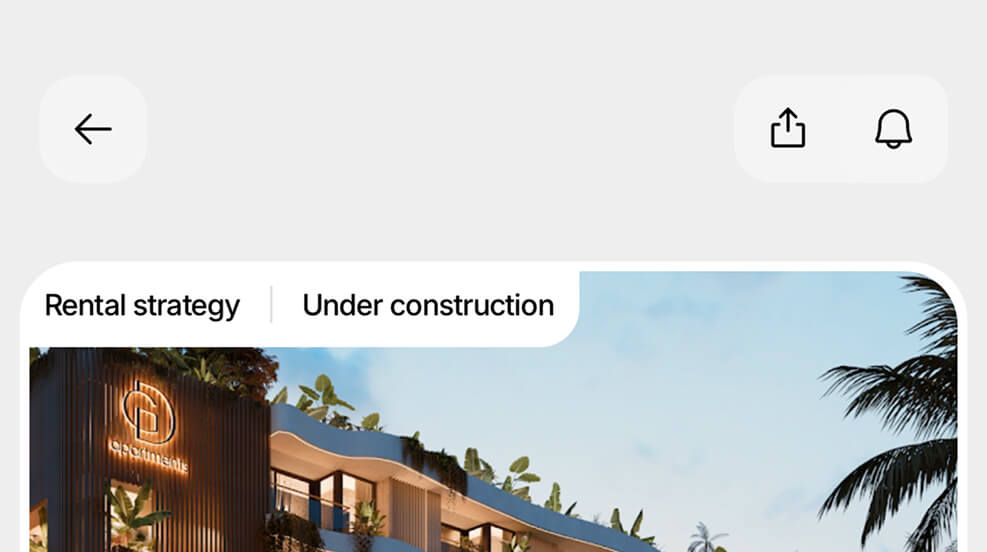
Step 4:
Enable notifications: tap Enable to get updates on new properties.
For Android users
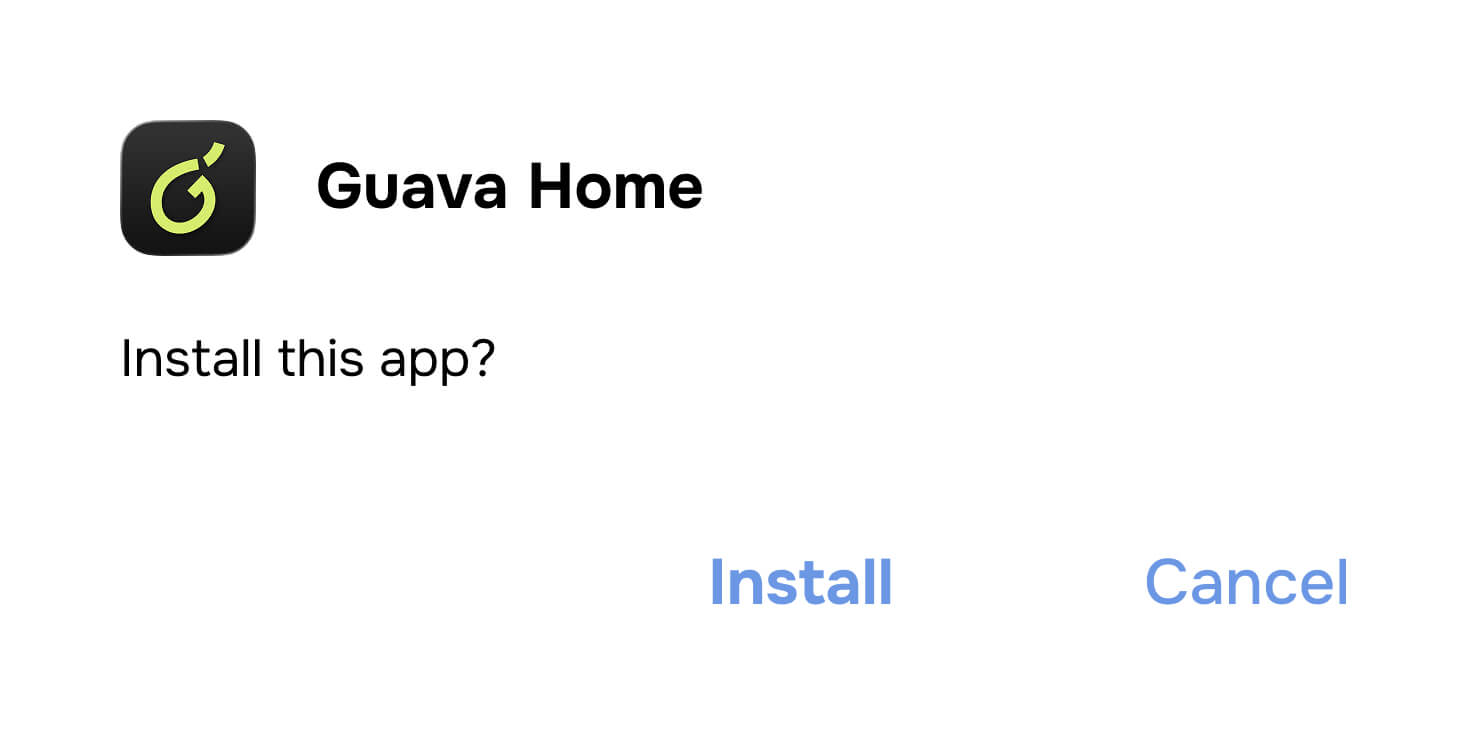
Step 3:
After downloading, find the file in Downloads and install it. The app icon will appear on your Home Screen.
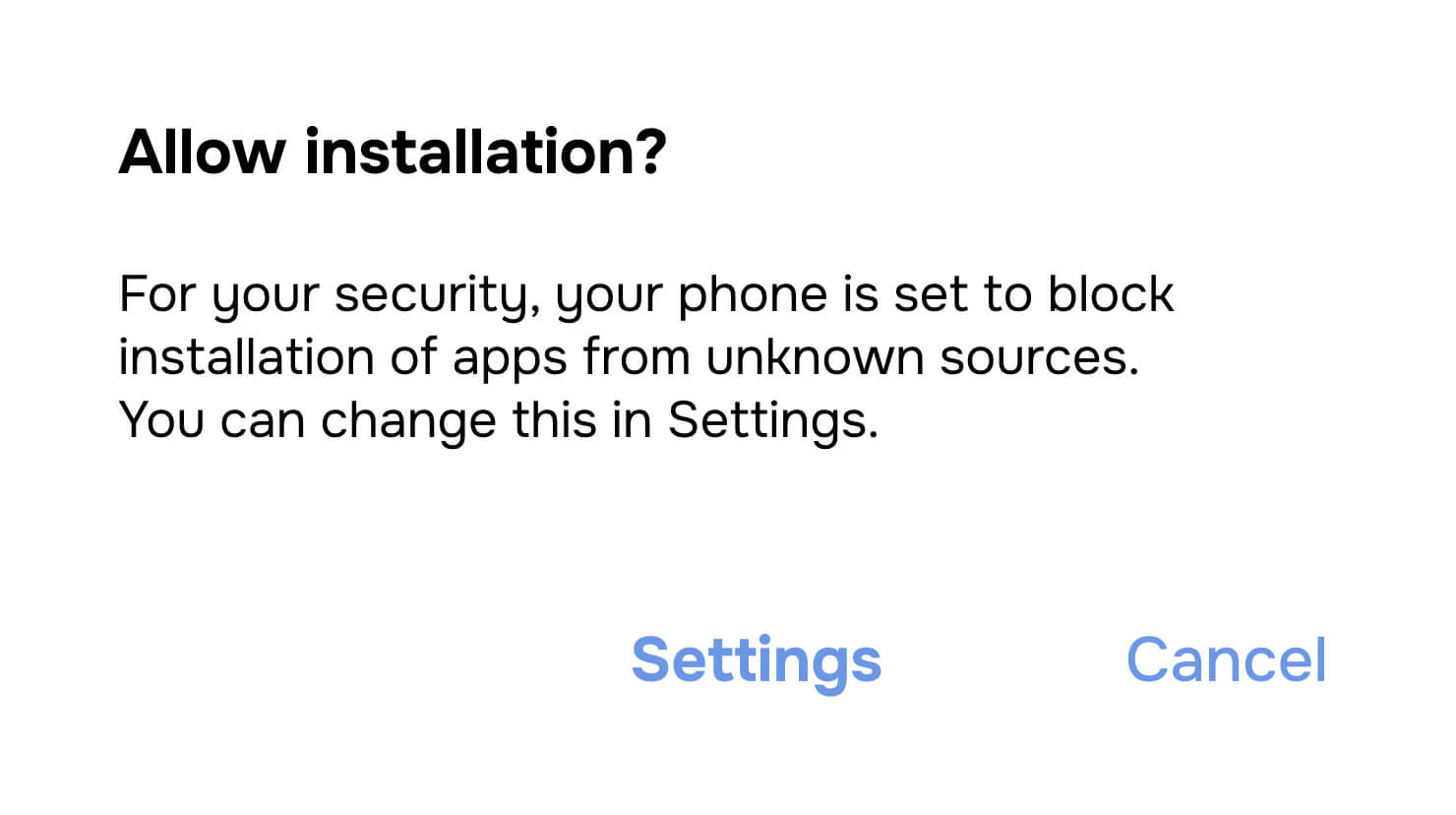
If your phone asks for permission, enable it in Settings: Allow from this source → Install
Step 2:
Step 1:
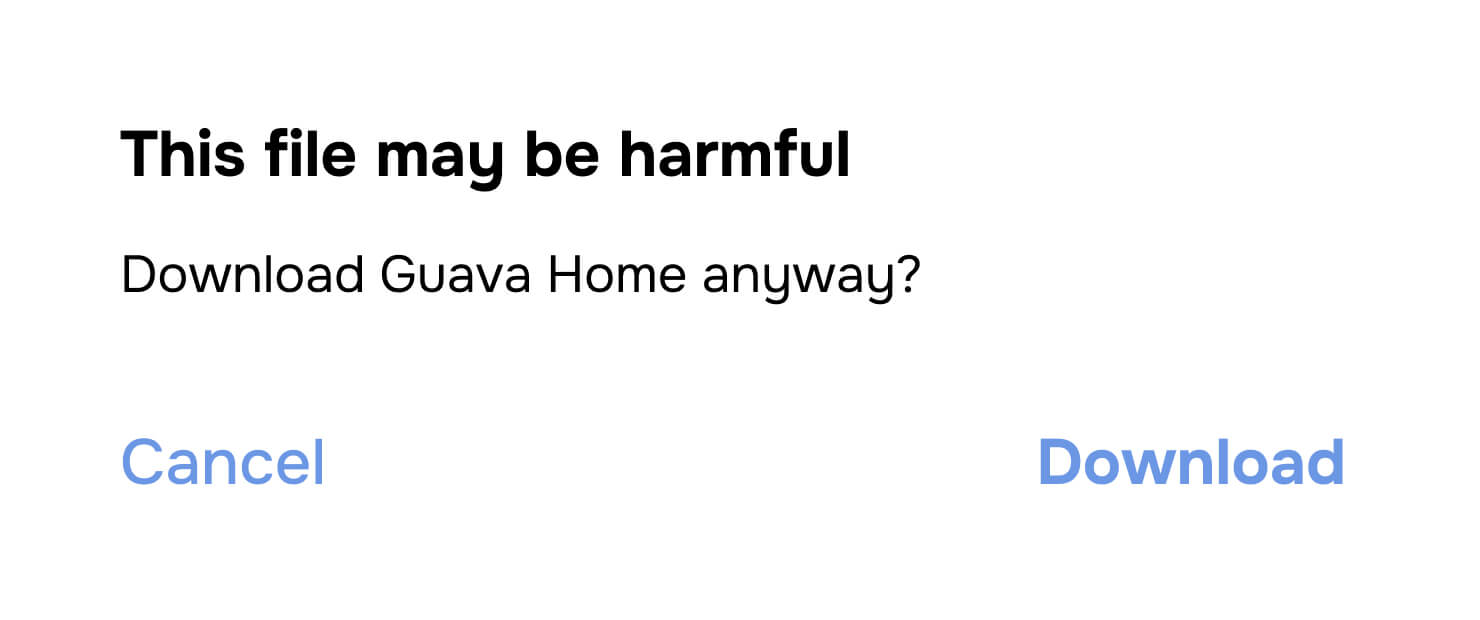
If you see a warning like “This type of file can harm your device”, tap Download anyway. We ensure the file is safe.
FAQ
Fractional investing means you buy a share of a property instead of purchasing the whole asset. Any income is distributed proportionally to your share — from rent and/or a future sale.
Guava Home is currently launched as a web app (PWA) as part of our first release. This lets us ship updates faster and test the product with real users. Full native apps will follow later.
Returns can come from rental income and/or selling the property at a higher price later. Each listing shows the key numbers and the estimated return.
Properties go through legal, financial, and technical checks by the Guava team. Only selected opportunities make it into the app — less than 2% of what’s available on the market.
It depends on the format: buying a whole property requires a higher amount, while fractional investing has a lower entry level. The minimum investment is shown in each property listing.
You can browse verified properties, compare estimated returns, save favorites, and book a call with the Guava team to discuss a deal. We’ll add new features based on early user feedback.